
A deposit that does not appear immediately or a withdrawal that remains pending can be frustrating. The safest response is not to repeat the transaction automatically. First identify the payment reference, review the account status, check the current rules, and prepare a clear support request. This 9Wicket troubleshooting guide organizes those steps.
Payment methods, limits, review procedures, and processing times may change. The live cashier and current 9Wicket terms should always take priority over old screenshots or third-party instructions.
Before starting any transaction
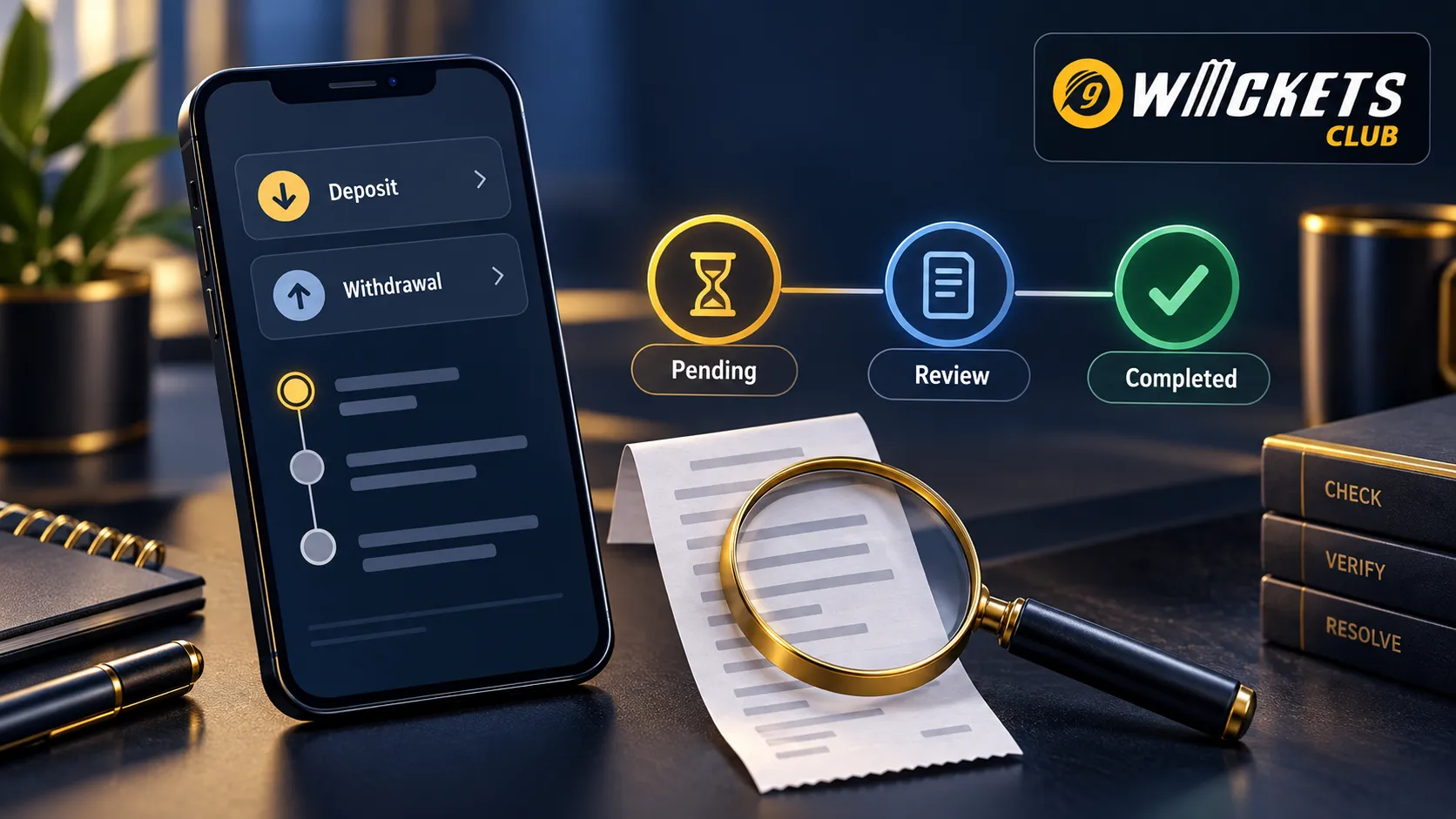
Confirm that you are signed in through the official website and that the payment method belongs to you. Review the destination, currency, amount, minimum and maximum limits, and any displayed fee. If a bonus is selected automatically, read its conditions before proceeding.
Use the dedicated 9Wicket deposit guide for current deposit checks and the 9Wicket withdrawal guide for request-status information.
If a deposit is pending or missing
-
Check whether the payment provider shows the transaction as completed, pending, reversed, or failed.
-
Look for the same reference in the 9Wicket account history.
-
Confirm that the amount and destination matched the cashier instructions.
-
Wait for the current published review period before trying again.
-
Save the reference number and a screenshot of the visible status.
Do not create another deposit simply because the gaming balance has not updated. A duplicate can be processed after the first one and create an unintended second payment.
If a withdrawal remains pending
Check whether identity verification is complete, the requested amount is within the current range, and the destination details are correct. Active bonus conditions, unsettled bets, account review, or a mismatch between payment information and profile information may affect the request.
A pending label does not automatically mean failure. It can indicate that the request is queued or under review. Do not cancel and recreate it unless the current instructions or support team specifically recommend that action.
Understand common status labels
|
Status |
Possible meaning |
Useful next step
|
|---|---|---|
|
Pending |
Queued or waiting for review |
Save the reference and check the stated timeframe |
|
Processing |
Being handled by the platform or provider |
Avoid creating a duplicate request |
|
Completed |
Marked as sent or credited |
Check the receiving account and provider updates |
|
Rejected |
A condition or detail was not accepted |
Read the reason before submitting again |
|
Reversed |
Funds were returned to the source |
Confirm the source balance and transaction record |
Labels can have platform-specific definitions. Use this table as general orientation, not as a replacement for the message displayed in the 9Wicket account.
Check account details carefully
A single incorrect digit can delay a transaction or direct it to the wrong destination. Review the account or wallet number, account holder name, amount, and currency twice. Do not use a third party’s payment account unless the published rules explicitly permit it.
If identity documents are requested, upload them only through the official secure process. Never send a full document, password, OTP, or recovery code to an unverified social account.
Prepare a useful support request
A clear support message should include:
-
the account username or permitted identifier;
-
transaction reference;
-
amount and currency;
-
local date and time;
-
payment method;
-
current status shown in both systems;
-
a concise description of what is missing.
Do not include a password, OTP, full recovery code, or complete payment credential. Use the official 9Wicket contact page to identify the appropriate support route.
Keep an evidence timeline
Record each important event in order: when the transaction was submitted, when the payment provider changed its status, when the 9Wicket account updated, and when support was contacted. This prevents repeated explanations and helps distinguish a provider delay from an account issue.
A safer transaction routine
-
Enter the cashier through the official account.
-
Read current methods, limits, and terms.
-
Confirm ownership and verification status.
-
Check the amount and destination twice.
-
Save the reference before leaving the page.
-
Do not repeat a pending transaction.
-
Escalate with a complete but non-sensitive evidence package.
Most transaction confusion becomes easier to resolve when the user keeps a reference and avoids duplicates. Slow down, follow the status trail, and rely on official 9Wicket pages rather than instructions forwarded by another person.
18+ only. Use only a fixed entertainment budget. Never deposit more money to chase a previous loss.
